
Follow the learner.
Choose a process your team needs to handle. Review the draft, edit the content and ask a learner to try it on the devices they use.
Considering an Articulate alternative?
Give your team something to remember, a decision to try and a conversation to rehearse. Bring music, interactive content, quizzes and AI roleplay together—then keep the journey going with Mixtapes.
Start with the learning you need to create. Choose the tools around it.
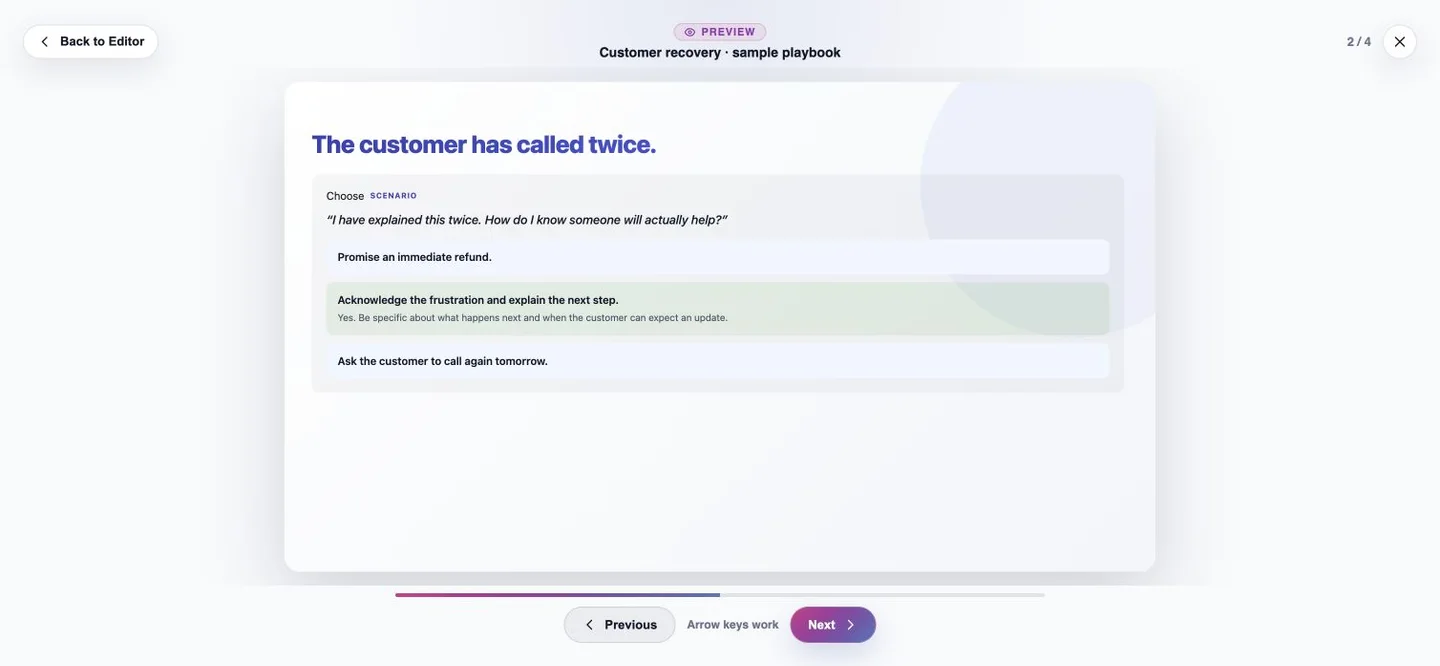 A choice to work through
Find your starting point
Compare the experience you need to create, edit and deliver.
02 / CUSTOM INTERACTIONSBring the specific controls and behaviors your project depends on.
03 / SOURCE-BASED TRAININGCompare a connected LearnLoop with Frontline’s training-kit approach.
Follow the work
A useful evaluation starts with material you recognize. Our fictional customer-recovery playbook connects the same objective to a memory cue, an interactive choice, a quiz and conversation practice.
Explore the illustrative example →Studio Editor + document Remix
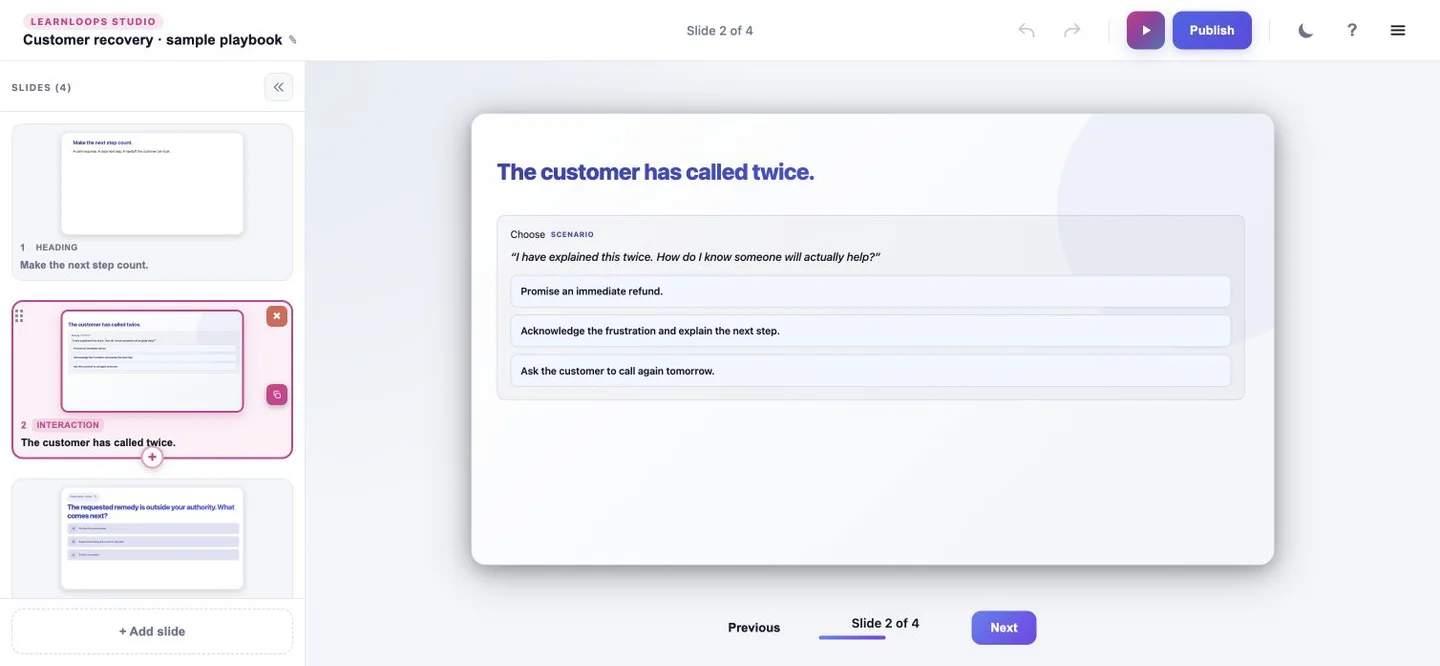
Start from reference material. Review the draft, remix the presentation and preview how it feels to be the learner.
Refine the language, organize the slides and put a choice in context. Your source gives the direction. You stay in control of the experience.
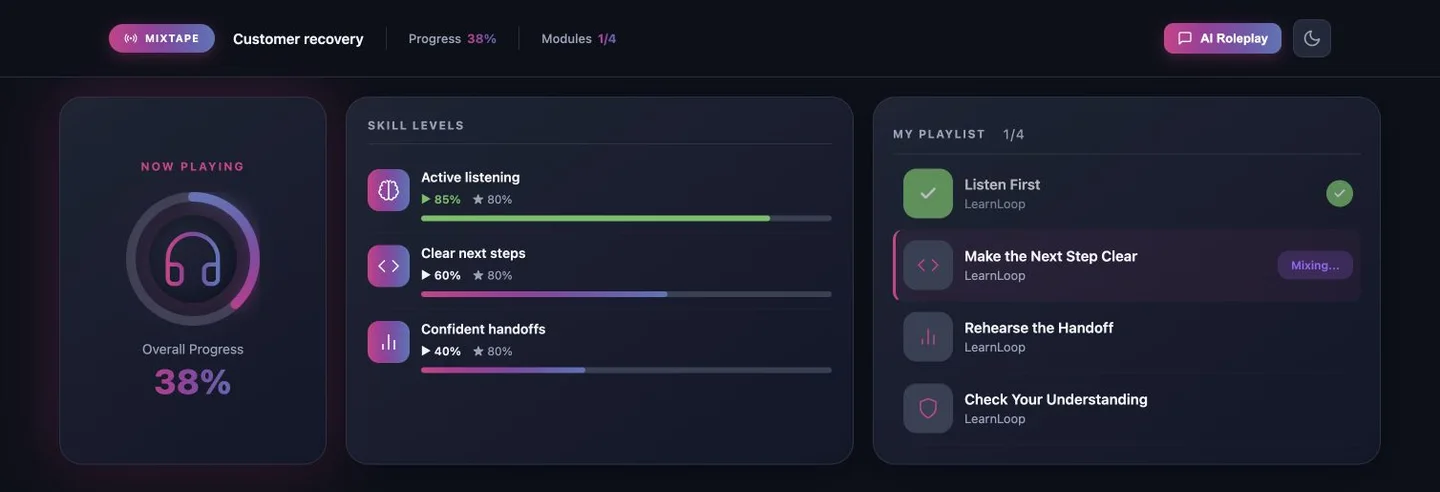
MEET MIXTAPES
Connect learning into a journey around skills. Mixtapes uses competency gaps and progress to help prioritize what comes next—from a useful refresher to another chance to practice.
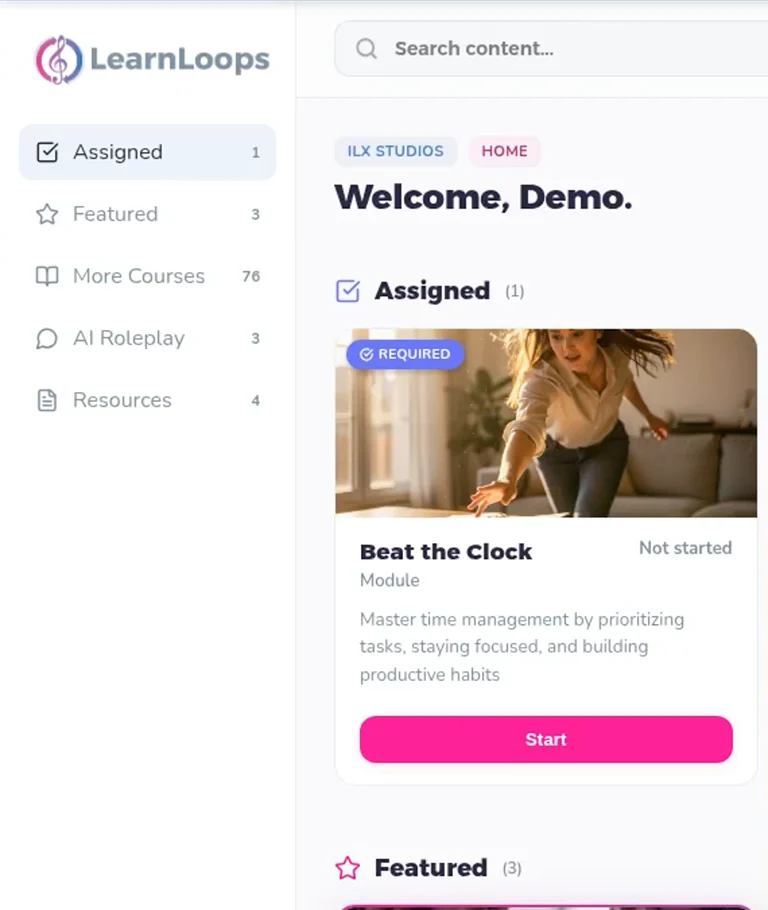
TAKE A LOOK AROUND
Explore the existing product tour, from the learner home to AI practice and the debrief. Then try the public roleplay demo for yourself.
Open the interactive product tour ↗This general product tour is a separate example. It does not show the customer-recovery playbook being generated.
Compare useful decisions
Authoring, practice and delivery answer different questions. Use this as a shortlist for your own project test.
| Decision | LearnLoops | Articulate 360 AI | Frontline |
|---|---|---|---|
| Start and editArticulate plans and distribution | Prompt plus reference material; review and edit the learning experience in Studio. | Rise for responsive courses; Storyline for custom course authoring. | Source-based training kits with AI-assisted updates. |
| Interaction controlsStoryline interaction controls | Test the controls your project needs in Studio; feature parity is not assumed. | Storyline documents layers, triggers, states, variables and simulations. | Evaluate the available kit formats against your interaction needs. |
| Quiz and scenarioArticulate credit usage | Quiz and interactive content are components of a Full LearnLoop. | Course and scenario creation are included workflows. | Scenarios are a training-kit format. |
| Spoken AI practiceLearnLoops AI roleplay | AI roleplay with a conversation debrief. | Validate spoken roleplay requirements separately from scenarios or tutor features. | Validate spoken roleplay requirements separately from scenarios or tutor features. |
| In-context tutorArticulate plans and distribution | Discuss your required learner guidance with the team. | Listed in the plan comparison. | Listed in the plan comparison. |
| Hosted experienceArticulate plans and distribution | Publish the learning experience in LearnLoops. | Reach is an integrated LMS option. | Built-in sharing and tracking. |
| Trackable linkArticulate plans and distribution | Confirm access and reporting for your intended audience. | Trackable sharing is listed. | Trackable sharing is listed. |
| LMS packageArticulate plans and distribution | Studio exports a SCORM 1.2 web wrapper; internet and continued LearnLoops publishing are required. | LMS package publishing is listed. | LMS package publishing is excluded. |
LearnLoops export details: delivery and online dependencies. A scenario, a spoken roleplay and an in-context tutor are separate capabilities.
List the author seats, active learner allowance, billing period and delivery option you need. Then account for credit-consuming workflows. Articulate 360 AI’s included generation does not use credits; avatars and multi-format translation do. Frontline kits and generated artifacts use credits. Read the current credits guide and LearnLoops plans.
A fair fit test
Choose a process your team needs to handle. Review the draft, edit the content and ask a learner to try it on the devices they use.
If you rely on layers, variables, simulations or custom behavior, test those requirements explicitly before changing tools. Storyline’s documented controls are a useful checklist.
Compare how the source becomes training, how you revise it and how the finished experience reaches a learner. Start with the document example.
Looking for evidence from actual programs? Read the results with their scope and context.
Comparison checked 14 October 2026
Product descriptions and plan terms can change. These official sources underpin the comparison; your project test establishes fit.
Questions, answered
LearnLoops supports hosting existing SCORM content. Hosting a published course and editing its original source are different capabilities. Check your package, reporting needs and required changes before planning a migration. Native .story or Rise source import is not promised here.
No. Included Articulate 360 AI course, deck, guide, interactive-video and scenario generation does not consume credits. Advanced workflows such as avatars and multi-format translation use credits. Frontline training kits and generated assets also use credits. Check the current plan and workflow in the linked Articulate credits guide.
Use the current plans as your starting point, then confirm authoring access, active learner allowance, billing period and delivery needs for your project. Compare the same scope before calculating a saving.
Bring one training need
Start with the example, then talk through the authoring, learner access and delivery requirements for your team.
See current plans and trial options · Read our privacy information before sharing your own content.